Media management / Technical workflow
How to back up camera footage before you format a card
Make complete copies, understand verification, and leave a handoff the editor can trust. A practical routine before a camera card is reused.
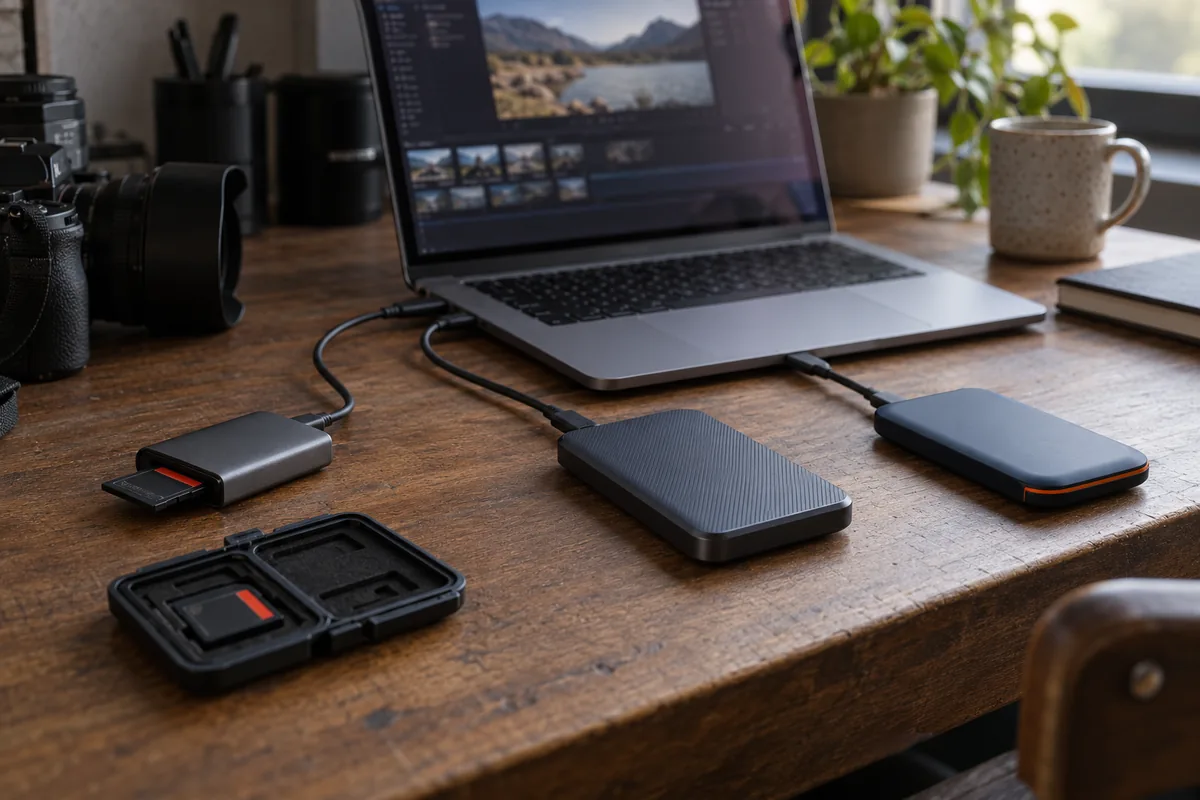
The camera card is almost full, the next shoot is approaching, and the footage appears to be on a drive. Is it safe to format the card? That decision deserves more than a quick glance at a folder.
A useful media handoff has three parts: complete copies, evidence that those copies match, and a recovery plan if a drive disappears or fails. This guide walks through a practical offload routine for small productions. The folder examples are hypothetical; they do not describe a client project or promise that any storage system cannot fail.
Keep the original card intact until the agreed backup checks are complete and the person responsible for the media has cleared it for reuse. A transfer progress bar alone is not that clearance.
1. Decide where the footage will live
Before shooting, identify a working destination and a separate backup destination, check available space, and assign someone to track cards. Include camera originals, separately recorded sound, stills, and any project-specific media in that plan. A beautifully organized video folder is not a complete handoff if the interview audio is still on another recorder.
Agree on who will hold each copy after the shoot and when the next copy will be made. If the location has poor connectivity, plan how an off-site copy will be completed later rather than assuming a large upload will finish before departure. Keep enough cards available to avoid making an erase decision under pressure.
2. Preserve the original card structure
Give each card a unique destination folder. For example, a fictional October 19 shoot might use 2026-10-19_Interview/Camera_A/Card_A001/ and a separate Audio/Recorder_001/ folder. Keep the card's original directory structure inside that folder. Do not combine identically named clips from several cards into a single loose folder.
As a conservative working practice, keep original filenames and sidecar files together during the initial copy. Make editorial organization, renamed exports, and proxies separate from the preserved originals. If a camera format has a specific ingest procedure, follow its manufacturer documentation rather than assuming that selecting only the visible movie files captures everything.
Track the card identifier, source device, destination paths, operator, and check status. Use plain language such as “copy in progress,” “verification needs attention,” and “cleared for reuse.” Do not let an ambiguous tick mark stand for several different checks.
3. Check what “verified” actually means
A checksum is a value calculated from file data. Comparing checksums can help detect a difference between the data being compared. For a card-release workflow, understand whether your software checks only sizes, rereads the source, or independently reads back each destination.
Hedge's current OffShoot verification documentation makes that distinction explicit: its Transfer mode checks source and destination file sizes and warns against using that mode when erasing sources. Its Source & Destination mode independently reads sources and destinations and compares checksums and metadata. These are product-specific behaviors, not universal meanings of the word “verified.”
Choose settings appropriate to keeping the originals intact until independent destination verification is complete. Confirm the behavior of the version you use. Read the final result and investigate warnings; do not infer a clean result merely because a transfer finished. Verification establishes agreement with the reference used at that time. It does not prove that the original recording was good or guarantee the future health of a drive.
4. Count independent copies, not folder names
Two folders on the same physical drive share that drive's failure risk. Two drives carried in the same bag can both be lost with the bag. Separate destinations and separate locations solve different problems; both belong in the plan.
Backblaze's 3-2-1 explanation describes three copies, two storage media, and one copy off-site. Use that as a planning framework, not a guarantee. A practical arrangement might be a working copy, another local backup, and a completed off-site backup. Check that the remote copy is actually available before counting it.
The camera card can serve as a temporary additional copy while it remains intact, but once it is formatted it no longer contributes to that count. Two destination drives alone therefore do not become three copies after the card is erased. If an off-site backup must wait, document that gap and retain the card until your agreed release conditions are met.
5. Add a human playback check
Open media from the copied destination in the intended viewing or editing application. Review representative clips from every camera and recorder, including the first and last recordings and an important interview or unrepeatable moment. Check picture, duration, and sound, not just thumbnails.
Sampling playback complements a file verification; it does not replace checking the whole transfer. A clip can match its source perfectly while containing an out-of-focus shot or missing microphone audio. Conversely, one playable clip does not establish that every other file copied correctly.
If a test reveals a problem, keep the card unchanged, document what happened, and investigate the source, reader, connection, software result, and destination. Avoid overwriting the only known copy while trying to make the folder look tidy.
6. Leave a handoff someone else can understand
Save transfer reports with the project and keep the card log readable by the next person. Hedge's logging documentation describes transfer logs and optional Media Hash Lists containing file checksums. Check what your tool actually saves and where it saves it. A report hidden on one operator's laptop is less useful to an editor who receives only the drive.
| Record | What the next person needs |
|---|---|
| Source | Camera or recorder and unique card identifier |
| Copies | Physical drive identifiers and exact project folder paths |
| Verification | Tool/mode, completion time, report location, and resolved or outstanding warnings |
| Playback | What was reviewed and any picture or audio concerns |
| Recovery | Who holds the backup, off-site status, and how to request a restore |
| Card release | Named owner, actual decision, and time cleared for reuse |
Make the recovery procedure concrete: select a test clip, restore or retrieve it from the backup into a separate test folder, and open it. Keep that test separate from the preserved originals. Agree on retention, access, and the final handoff with the production owner rather than assuming a delivered edit means every original can be removed.
Before the card goes back in the camera
- Confirm that every required card and recorder is accounted for.
- Confirm complete copies on the planned independent destinations, with the required verification finished and warnings resolved.
- Review copied media for usable picture and sound, and record what was checked.
- Confirm the agreed backup and off-site status, including what remains protected after the card is formatted.
- Save the reports, identify the person who owns the media, and obtain the agreed clearance for this specific card.
The useful question is not “Did something copy?” It is “Could the next person recover the footage we need, and can we show what we checked?” Build that answer into the schedule before the next shoot starts.
Sources & editorial notes
Technical references checked October 19, 2026: Hedge's Verification and Logging documentation, and Backblaze's 3-2-1 backup explanation. Product behavior depends on version and settings; no product purchase or endorsement is implied. The card log, playback sample, release checklist, and hypothetical folder example are original editorial recommendations. The hero image was generated with OpenAI image generation and illustrates fictional equipment on a workstation; it is not a RackFocus client shoot, software demonstration, or proof of a verified copy.